
Welcome to SOMIGO Mobile
Access your tasks, notes, and projects on the go
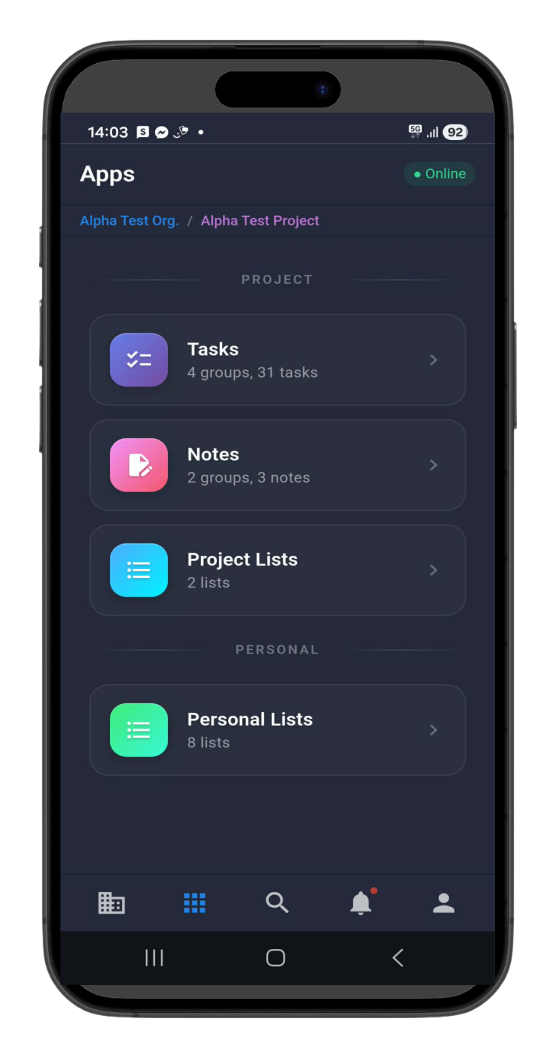
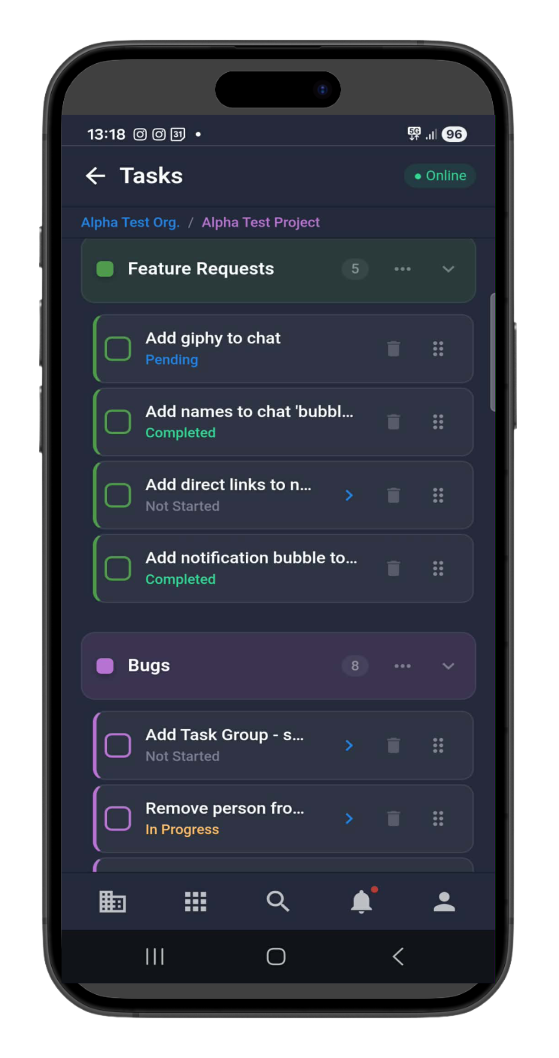
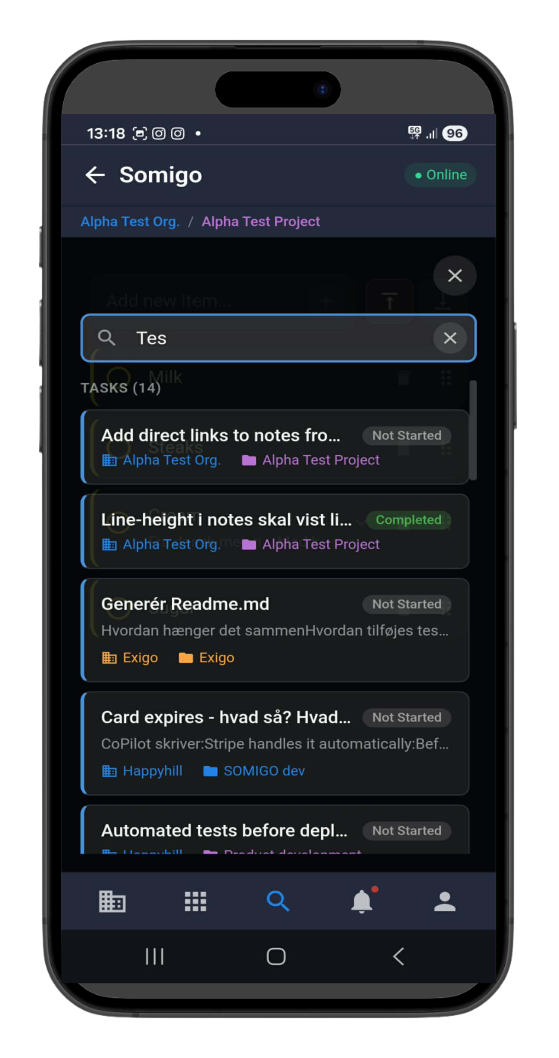
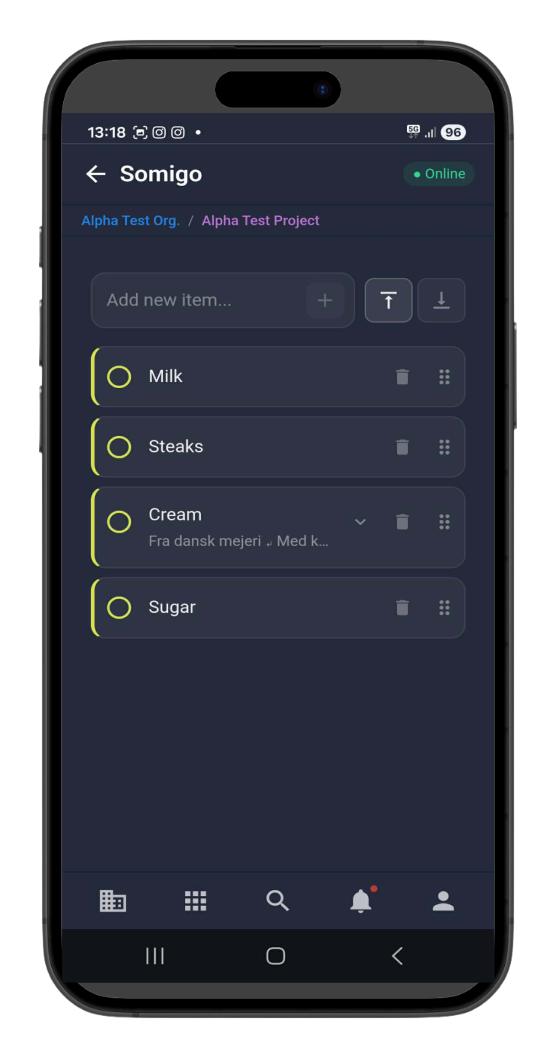
Take Your Workspace Anywhere
SOMIGO Mobile brings the full power of your productivity workspace to your smartphone or tablet. Continue your work seamlessly whether you're at your desk or on the move.
How It Works
Register on Desktop
Create your SOMIGO account on app.somigo.io using your desktop or laptop. Set up your workspace, create your first tasks, and customize your settings.
Access on Mobile
Visit m.somigo.io from your mobile device. Your browser will prompt you to install SOMIGO as a Progressive Web App for a native app-like experience.
Sync in Real-Time
All your tasks, notes, and projects sync instantly between devices. Changes made on mobile appear on desktop and vice versa—no manual syncing required.
Mobile App Features
Seamless Sync
Real-time synchronization ensures your data is always up-to-date across all devices.
Touch-Optimized
Intuitive gestures and mobile-first design for effortless navigation and task management.
Install as App
Progressive Web App technology allows you to install SOMIGO like a native app without app stores.
Ready to Get Started?
Create your account on desktop, then access SOMIGO on any mobile device.
Start Free Trial14-day free trial · No credit card required